Your CRM is the source of truth, not the whole truth
CRM and project systems should remain authoritative. They become far more useful when connected to the conversations and decisions surrounding each record.
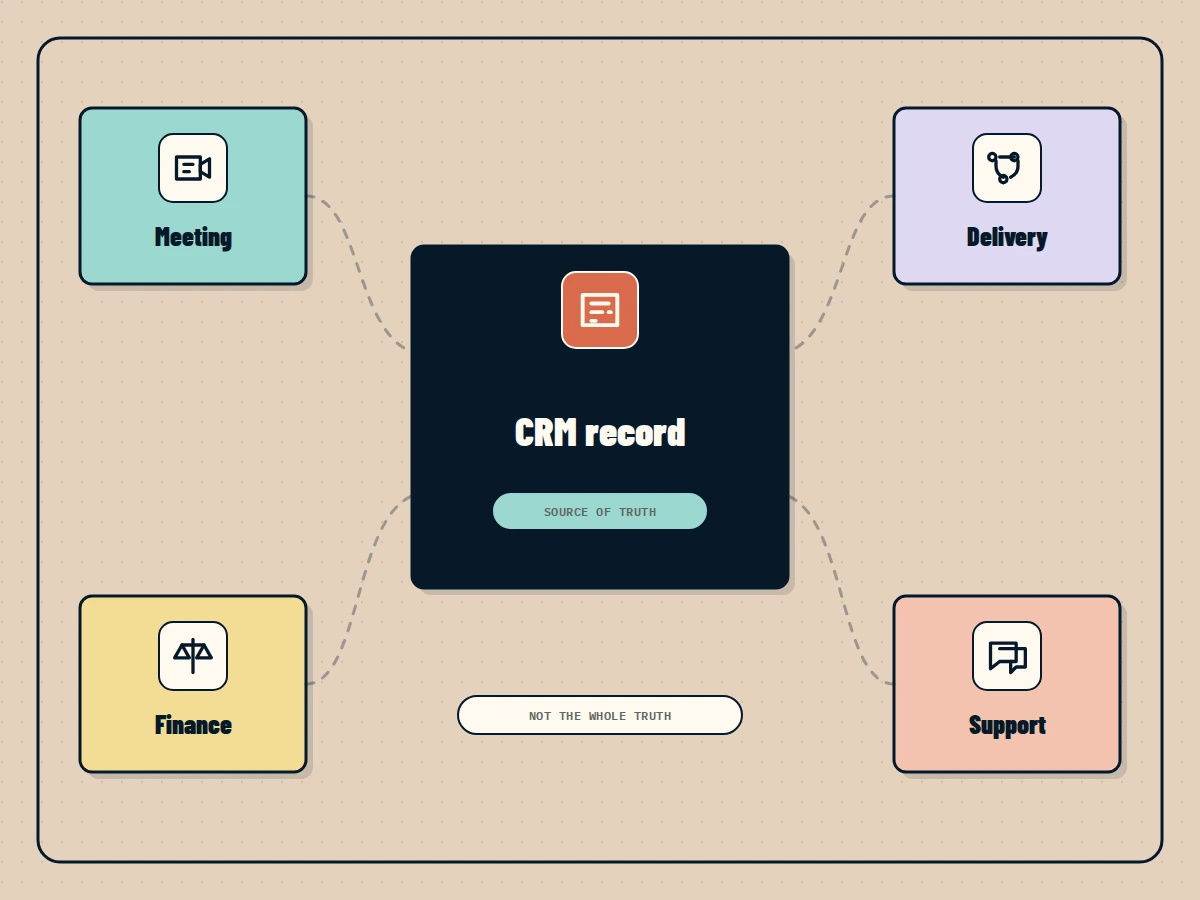
Your CRM should be the source of truth for the customer record.
That does not mean the whole customer relationship lives there.
The CRM stores the account owner, stage, value, activity, and next task. The customer objection may live in a meeting. The delivery concern may live in Slack. The approved exception may live in an email from finance.
The structured record and the working context serve different jobs.
Do not turn the CRM into a transcript archive
One response is to copy everything into the CRM.
That creates long notes nobody reads. Important decisions become harder to find because they are mixed with routine notifications, raw transcripts, and duplicated messages.
The CRM should keep concise, operationally useful updates:
- A confirmed customer fact.
- A material objection.
- A commitment made by either side.
- A decision that changes the opportunity.
- The next action and owner.
- A link to the source for deeper context.
The Business Brain can preserve the wider evidence without forcing it into one field.
Meetings contain context the stage cannot show
Suppose an opportunity remains in negotiation for three weeks.
The stage has not changed, but the account has.
The customer confirmed budget. Security raised two questions. Delivery rejected the original timeline. A revised proposal is waiting for legal approval.
A manager looking only at stage history sees inactivity. Someone with meeting and workflow context sees forward movement and one clear blocker.
This is why leadership reports should not simply restate CRM fields. They should explain the material changes around them.
The CRM should receive approved outcomes
Connected meeting workflows can improve CRM hygiene when they do not update records blindly.
After a call, the system can prepare proposed updates:
- Add the confirmed decision maker.
- Record the main objection.
- Update the expected timeline.
- Create the follow up task.
- Link the meeting evidence.
The account owner reviews sensitive changes before they are applied. Simple actions, such as attaching an approved note, may happen automatically.
This removes repetitive admin while keeping responsibility visible.
Context should follow the record
When an employee opens an account, they should be able to reach the context around it without searching four systems separately.
That view can show:
- Recent meetings and key decisions.
- Open commitments and owners.
- Changes since the last review.
- Relevant documents and approvals.
- Risks mentioned in support or delivery.
Permissions still apply. A salesperson may see the approved outcome of a finance discussion without receiving the private conversation behind it.
Keep the authority clear
Connecting more sources must not create confusion about which system owns the final value.
The CRM remains authoritative for the opportunity stage. The contract repository owns the signed agreement. The project system owns delivery tasks. The Business Brain links them and explains their relationship.
When sources disagree, show the disagreement. Do not silently merge them into a confident answer.
Ask better account questions
Once the structured record and working context are connected, teams can ask questions that are difficult to answer from CRM alone:
- What changed after the last customer meeting?
- Which commitments have no follow up task?
- Why has this opportunity remained in the same stage?
- What delivery concern could affect the proposal?
- Which decision is waiting for approval?
These are operating questions, not database queries.
The Business Brain keeps the CRM in its proper role while connecting it to the evidence and decisions that make the record meaningful.
The CRM should remain the source of truth. It simply should not be asked to hold the entire truth by itself.
Questions people ask
Is a CRM a knowledge base?
A CRM stores structured customer and sales records. It can contain useful notes, but it is not designed to preserve every meeting, decision, document, and cross department conversation around an account.
Should all Slack and email messages be copied into the CRM?
No. Capture material decisions, commitments, risks, and next actions. Keep links to the source and avoid filling the CRM with notification noise or private conversation.
How can meetings improve CRM data?
Extract confirmed customer facts, decisions, objections, commitments, and next actions from approved meeting notes, then review or approve updates before changing the CRM.