Capture where discovery happens
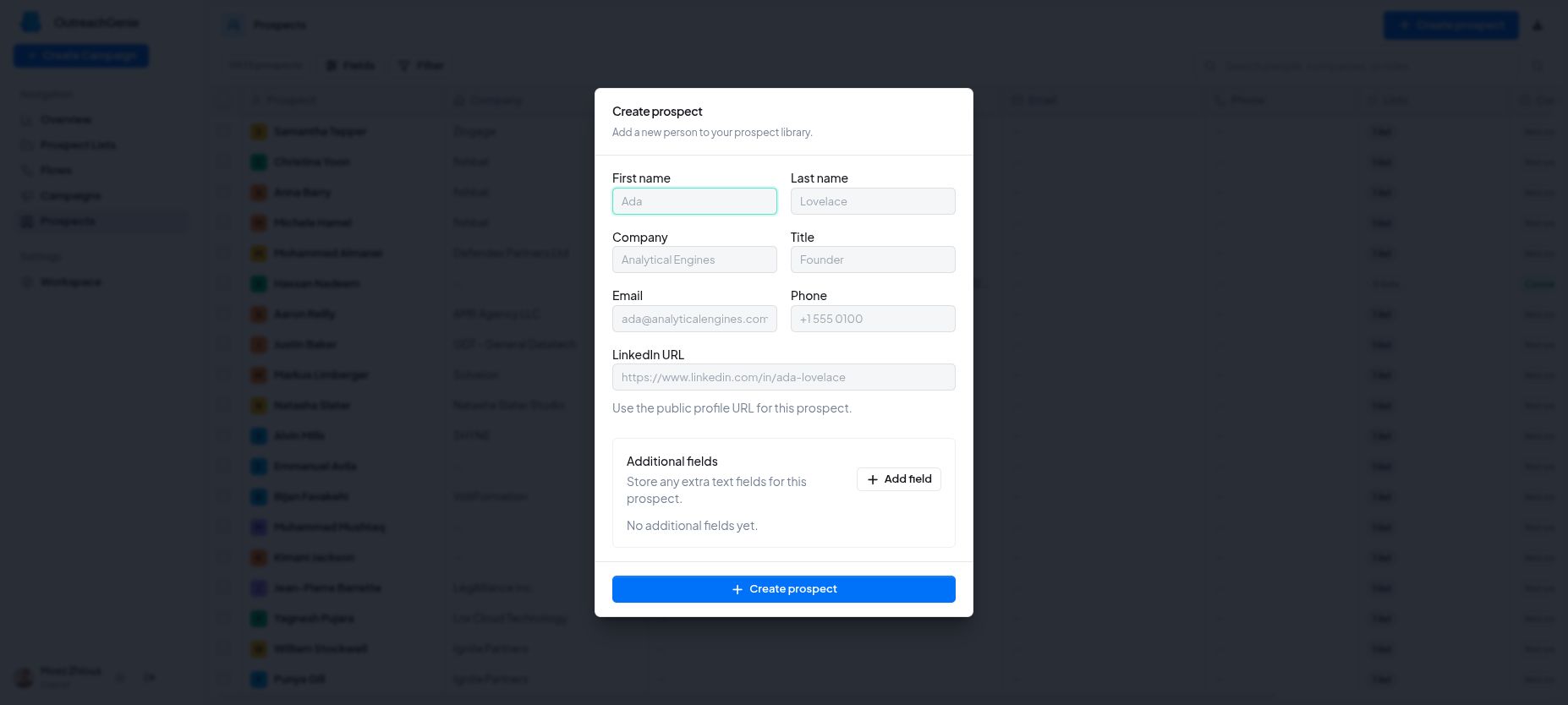
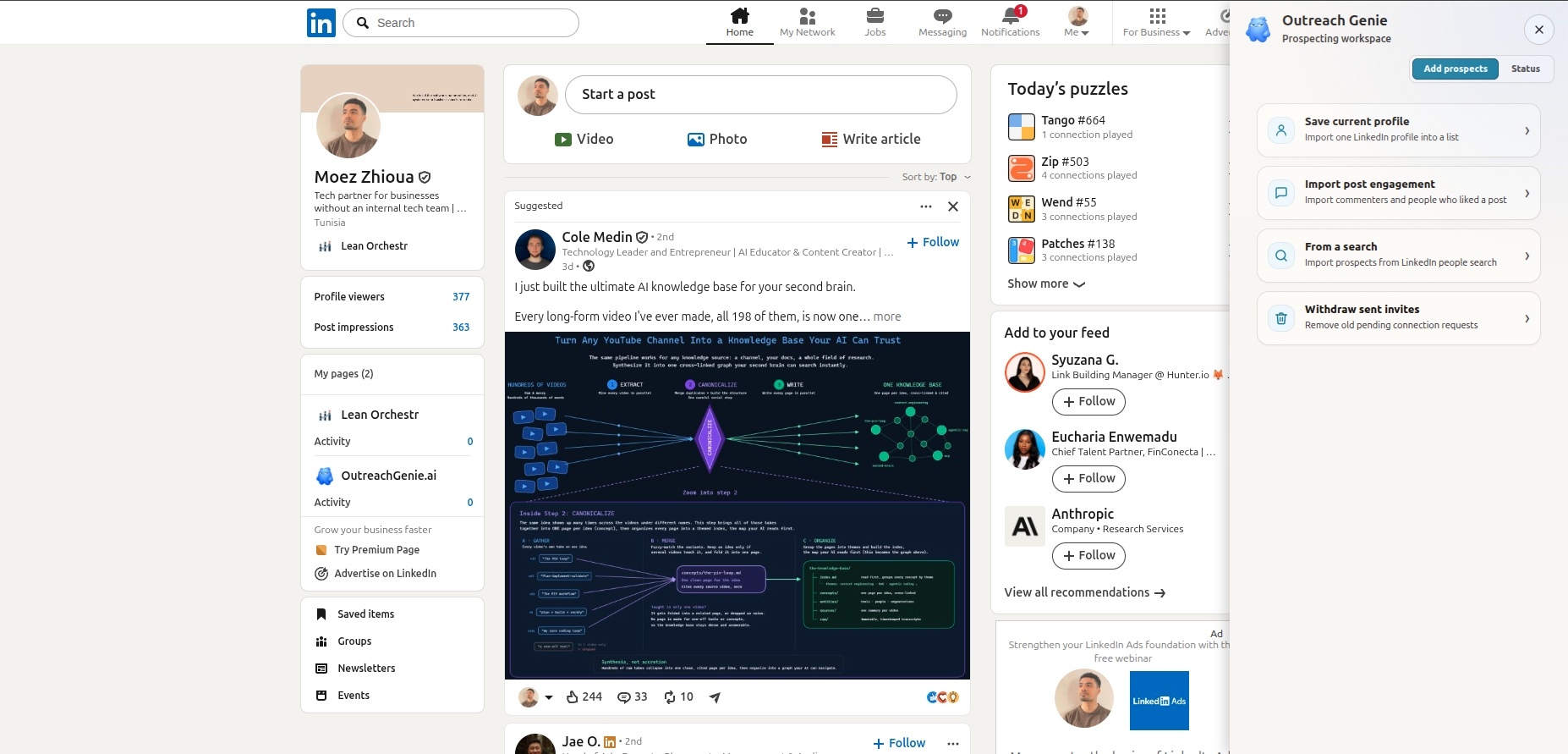
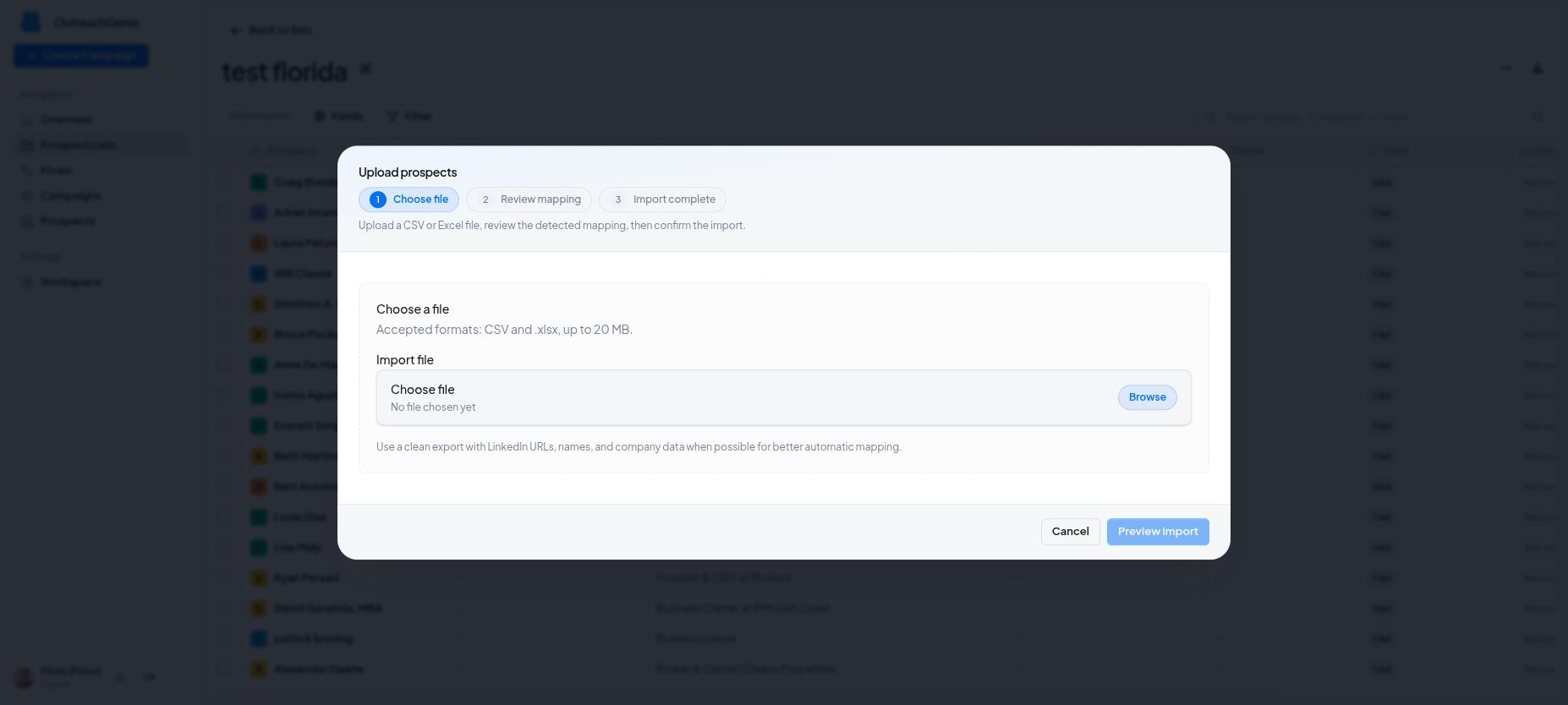
Users can save prospects from profiles, LinkedIn searches, post reactions, comments, spreadsheets, or manual entry. Duplicate checks and contextual notes turn daily browsing into reusable prospect data.
LinkedIn prospecting and outreach operations
A continuous system for capturing prospects, organizing audiences, running repeatable LinkedIn outreach, and tracking every result in one workspace.
The problem
Prospects were copied into spreadsheets, notes lived elsewhere, follow-ups depended on memory, and nobody had a reliable record of who had already been contacted.
The real problem was not sending one LinkedIn message. It was keeping sourcing, context, timing, execution, and tracking connected as prospect volume grew.
What we built
The value comes from how the parts work together, not from any isolated feature.
Users can save prospects from profiles, LinkedIn searches, post reactions, comments, spreadsheets, or manual entry. Duplicate checks and contextual notes turn daily browsing into reusable prospect data.
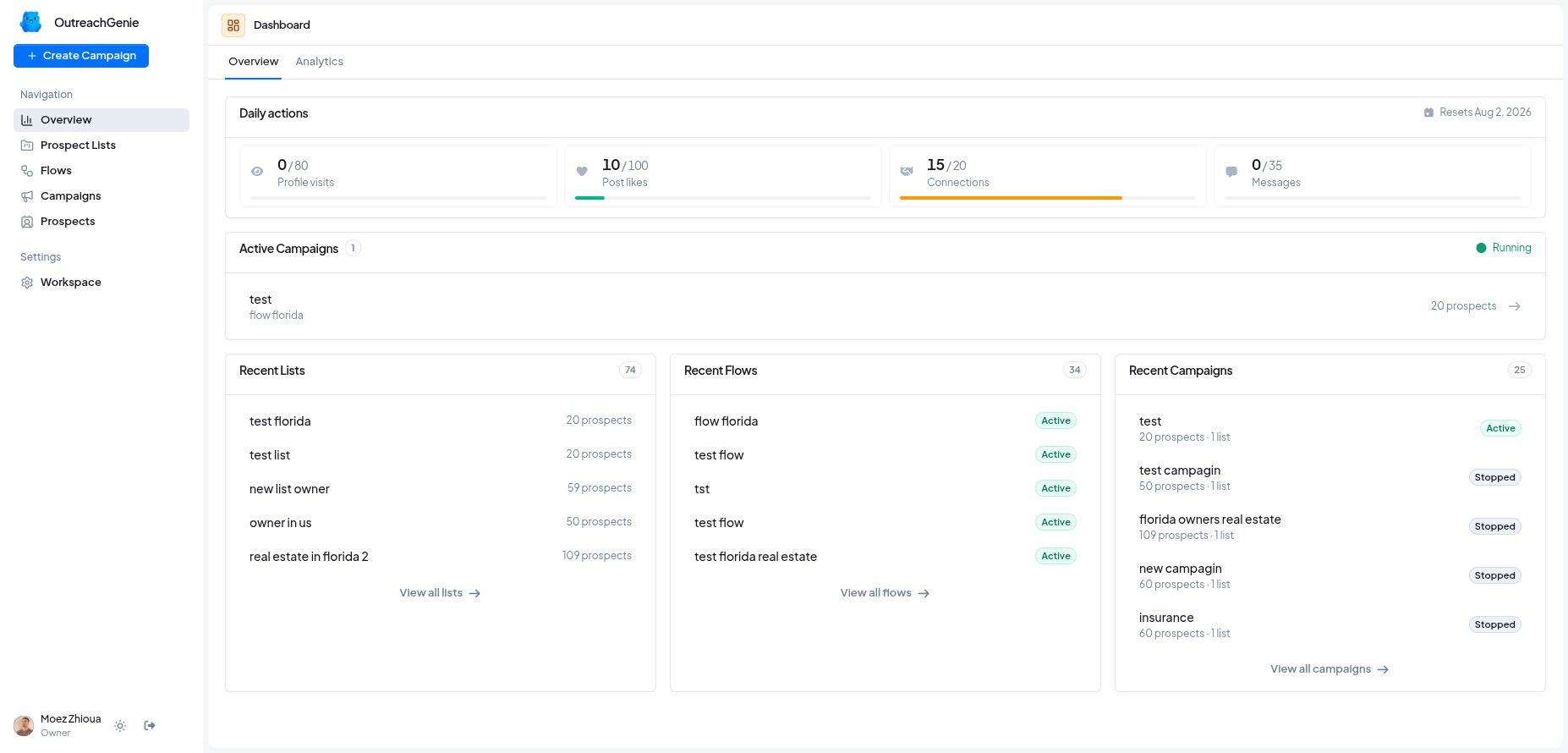
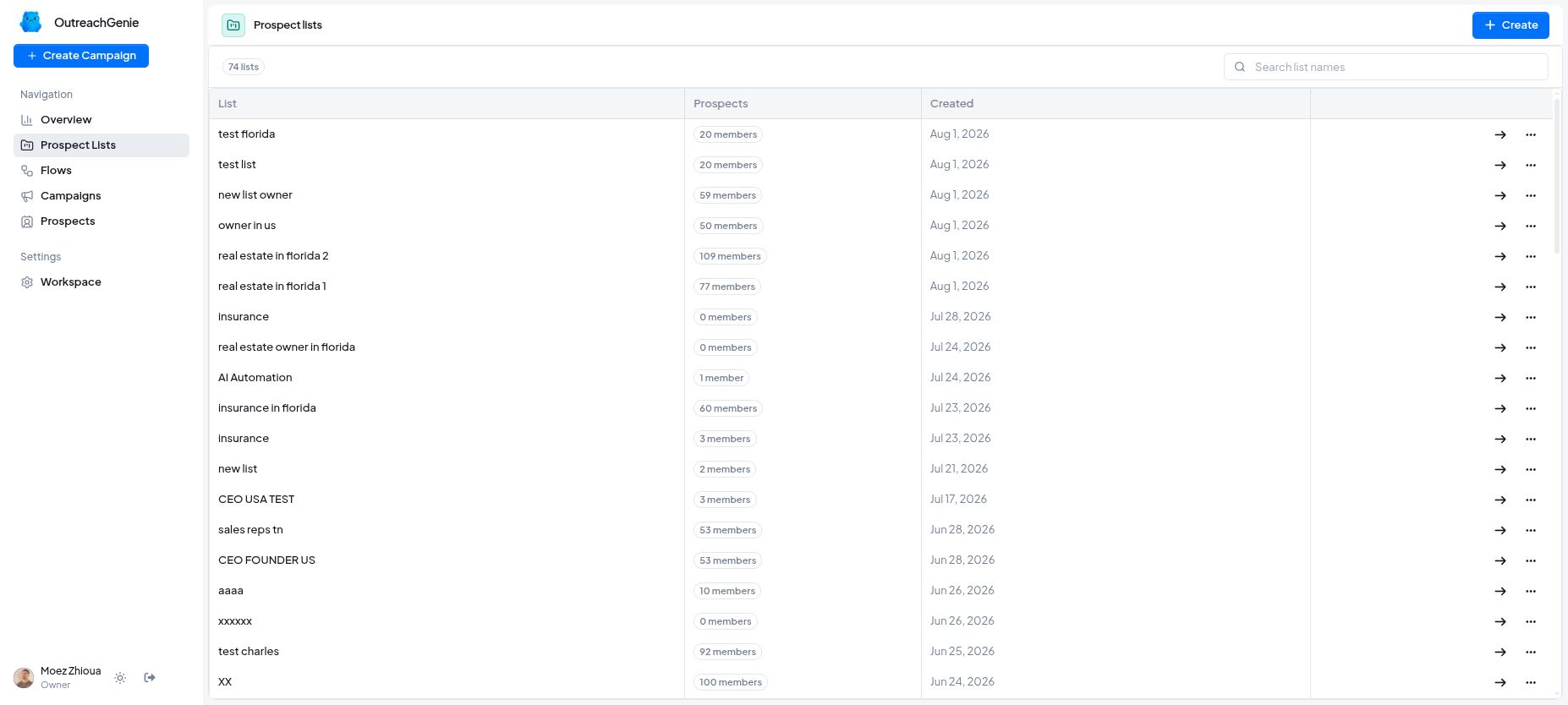
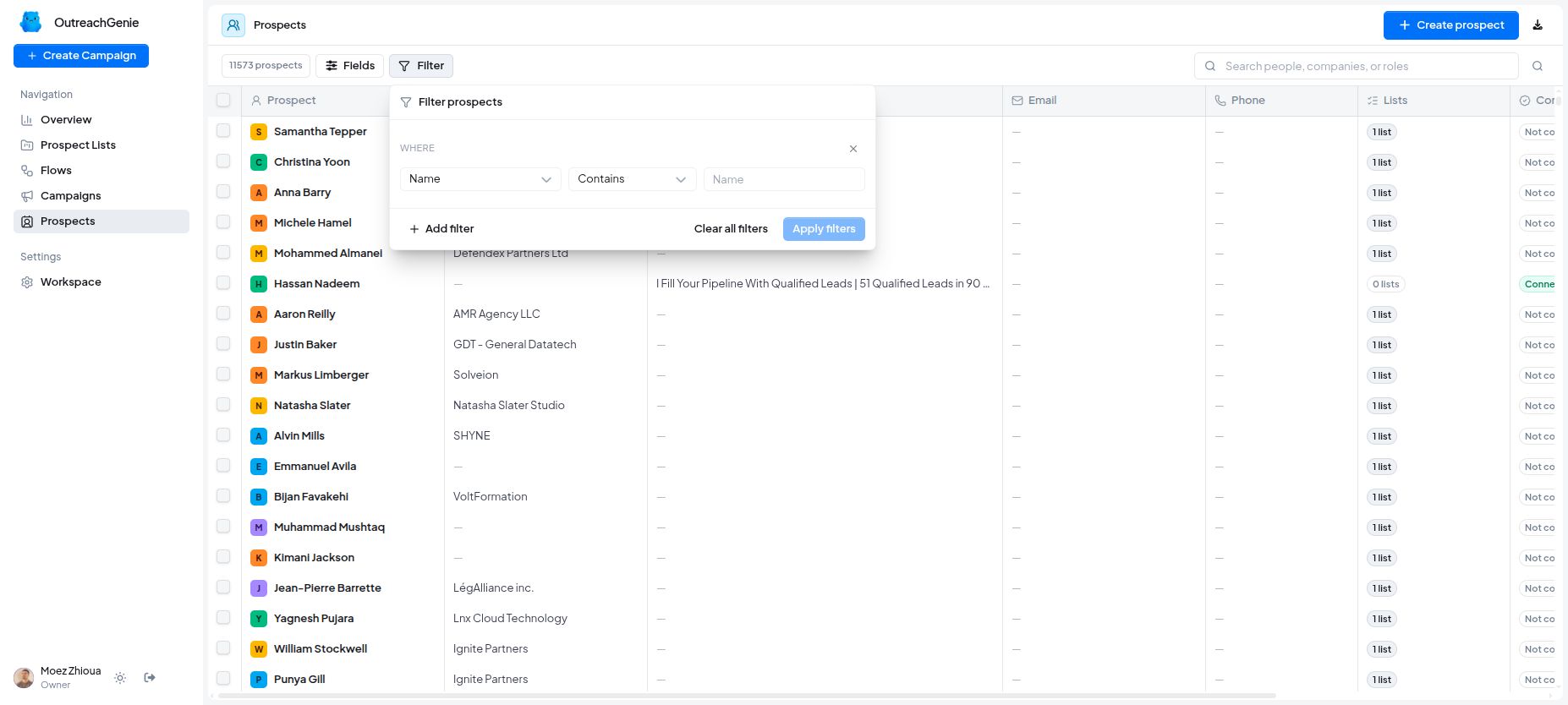
Each person has one reusable record with their role, company, notes, custom fields, audiences, connection status, and activity history. A prospect can belong to several audiences without creating disconnected copies.
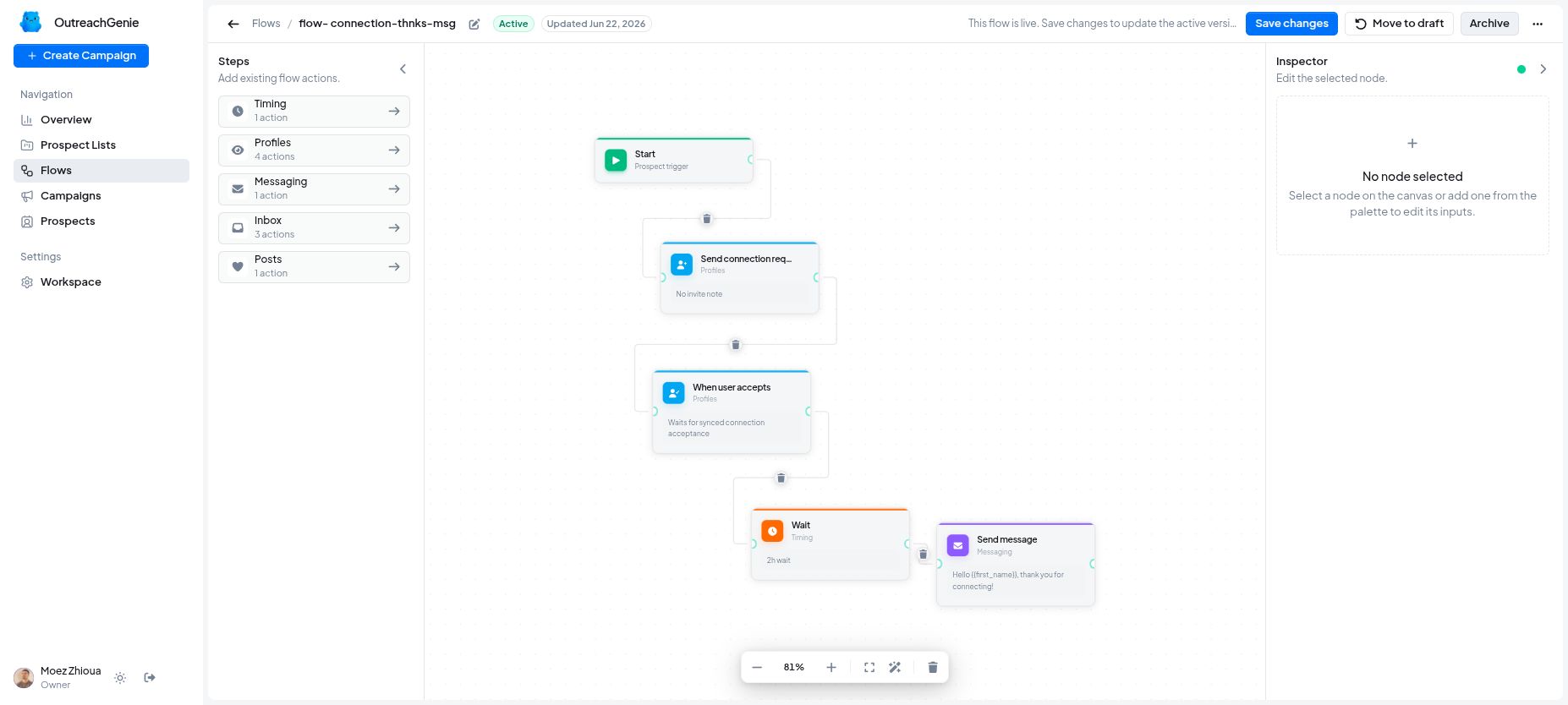
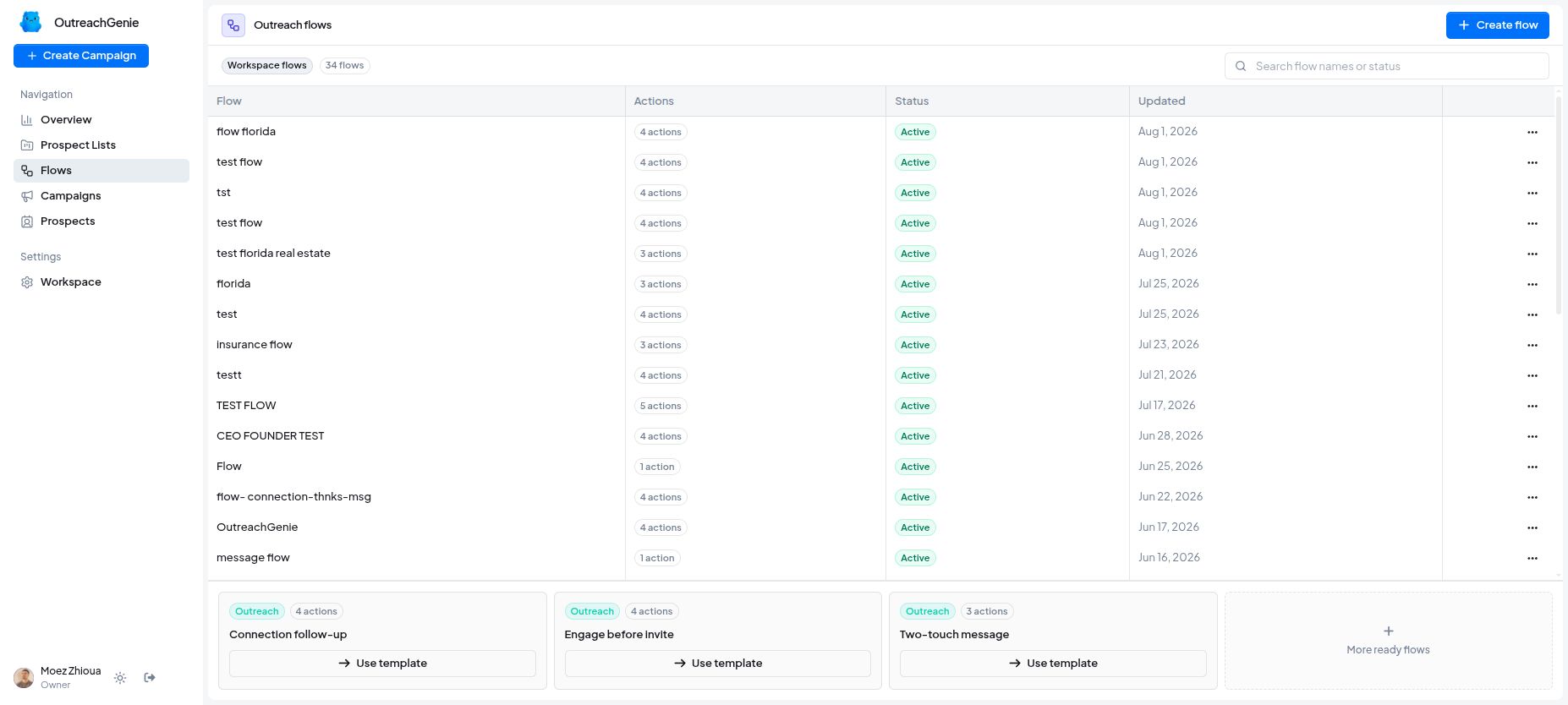
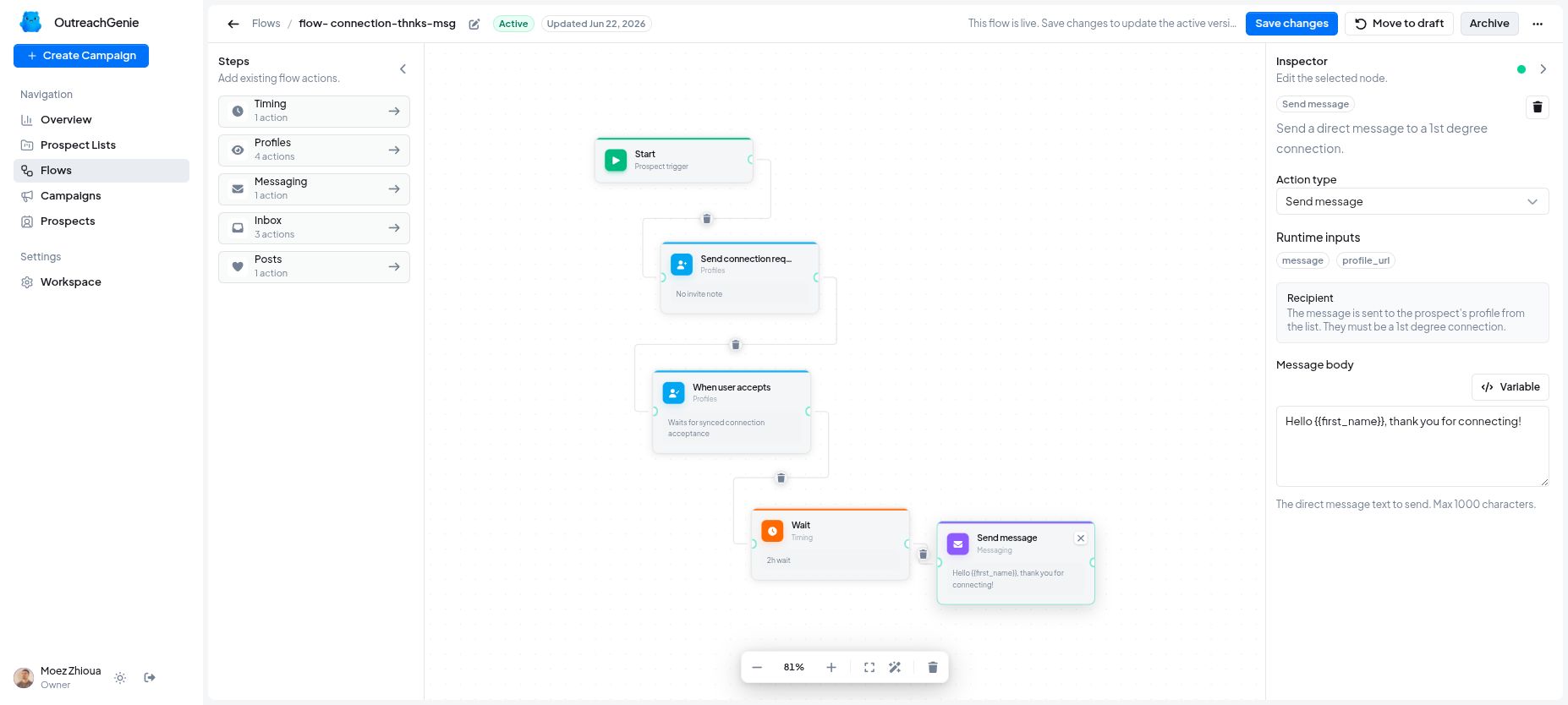
Visual sequences combine profile visits, follows, invitations, waits, acceptance checks, messages, replies, reactions, comments, and follow-ups. Conditions change the next step based on what the prospect does.
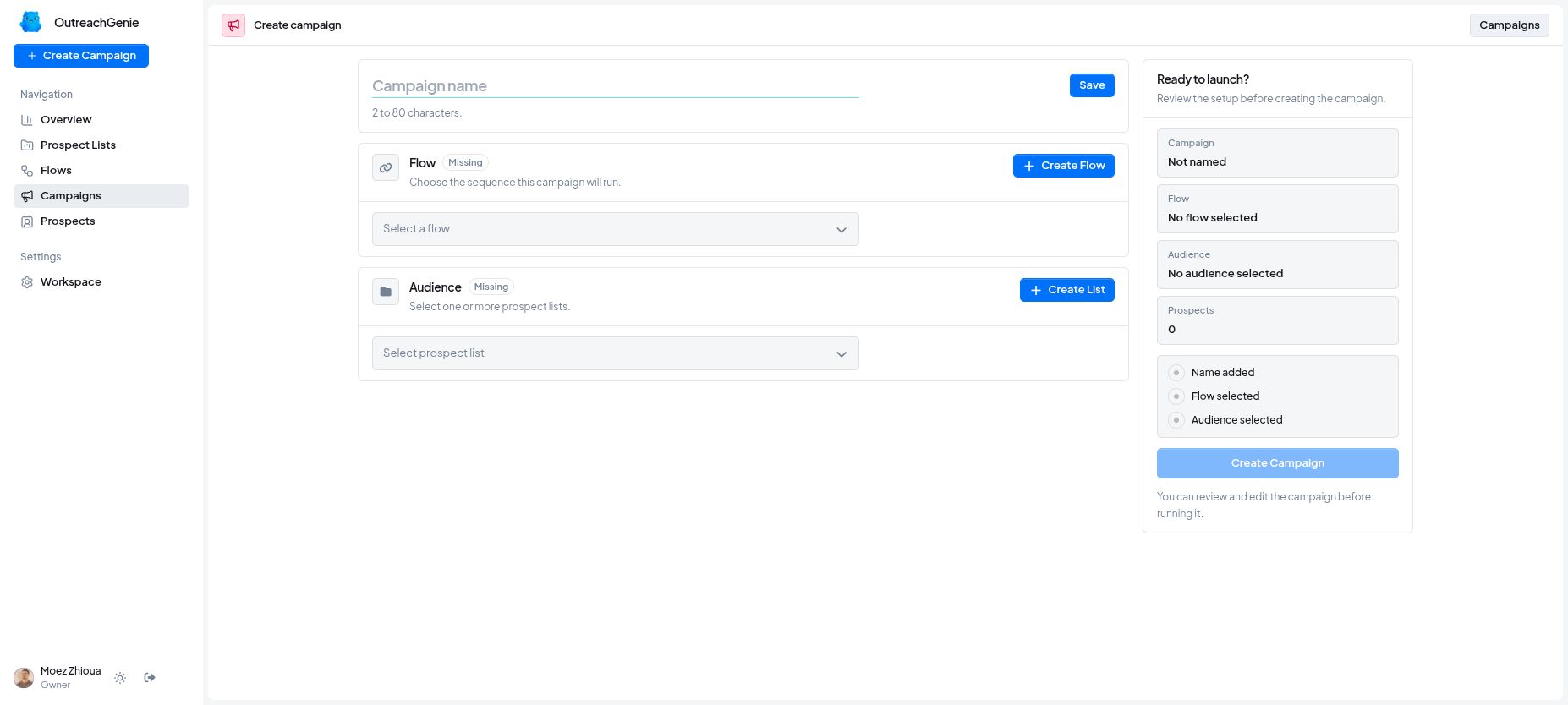
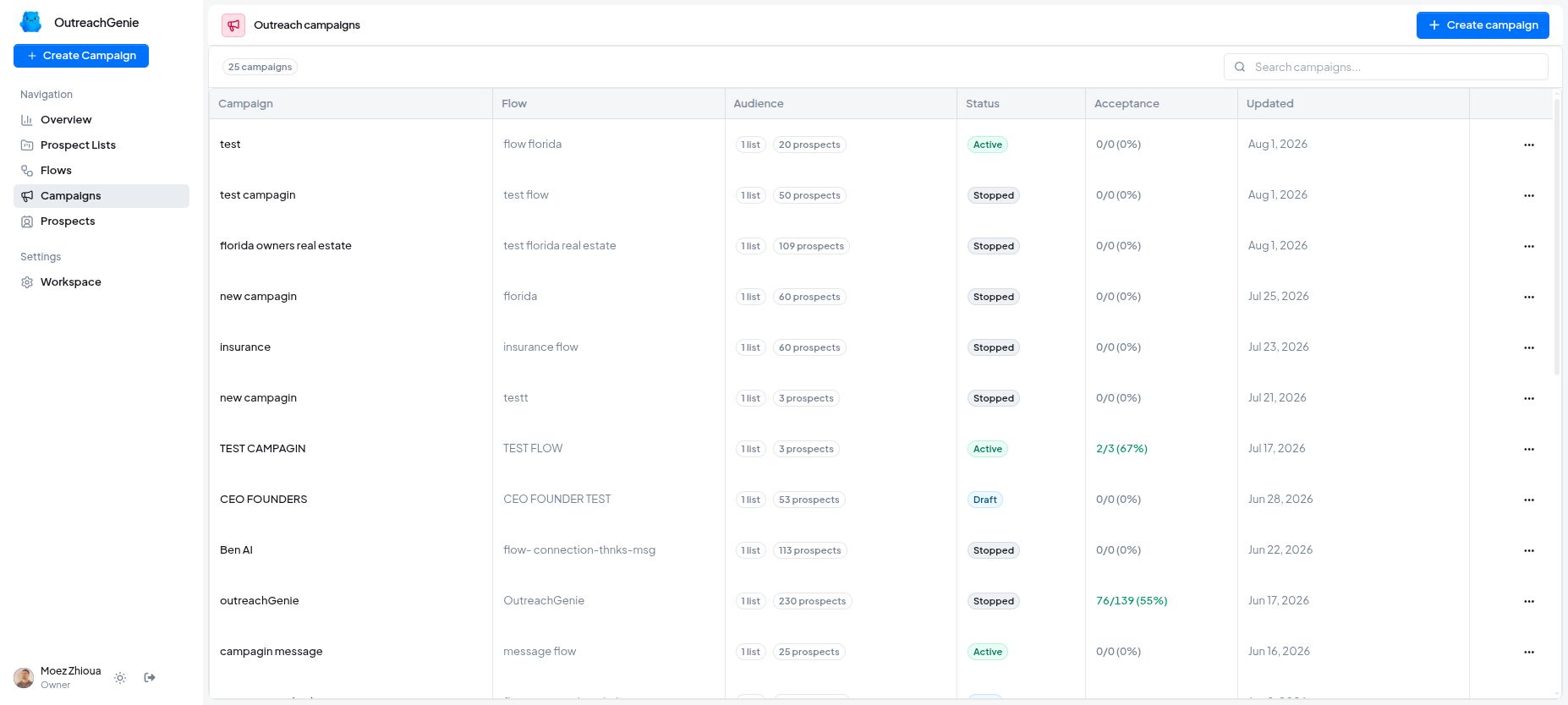
A campaign combines one or more audiences with an outreach playbook, removes duplicates, creates an individual journey for every prospect, and keeps every campaign pause, retry, and outcome visible.
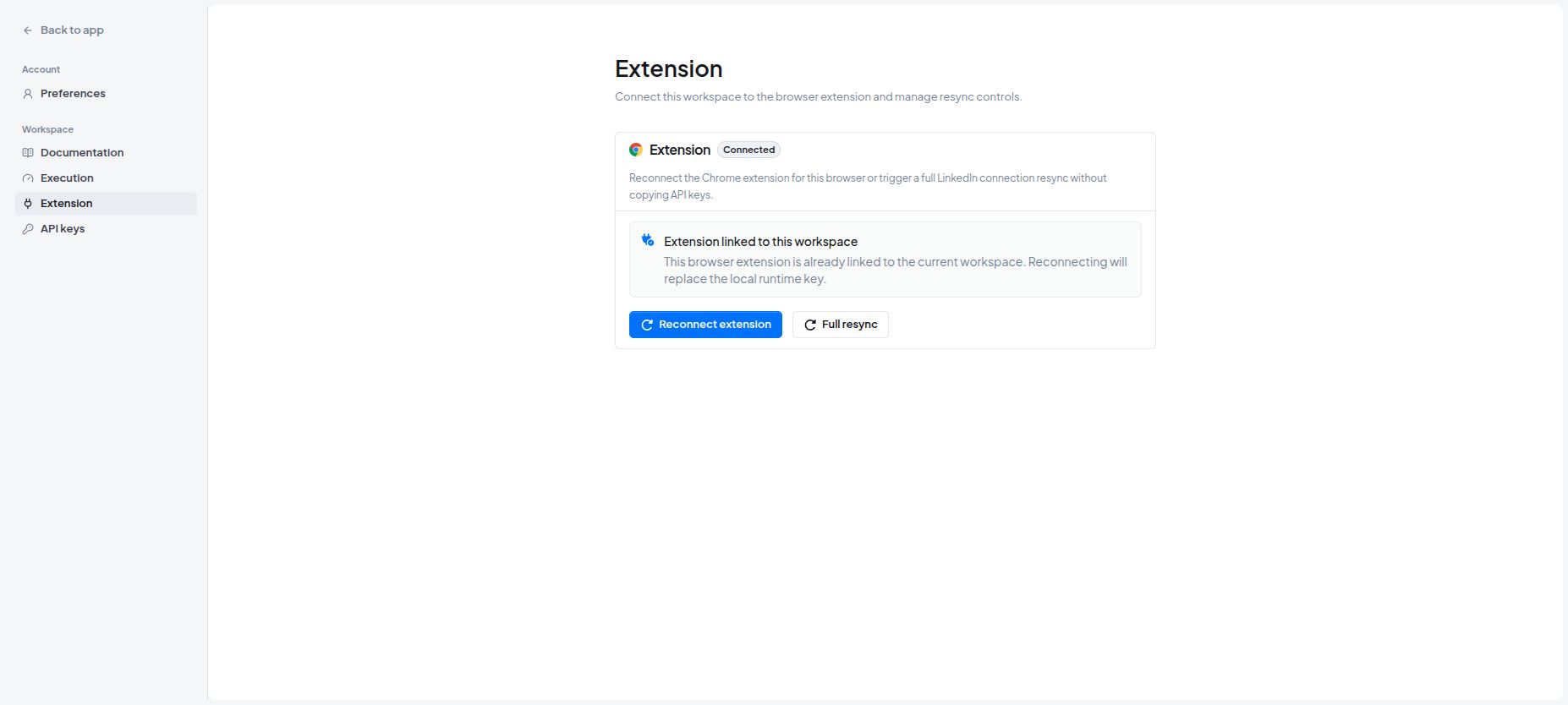
The browser extension performs approved actions through the user's signed-in LinkedIn session, then synchronizes the result back to the workspace. The operating record and the real action stay connected.
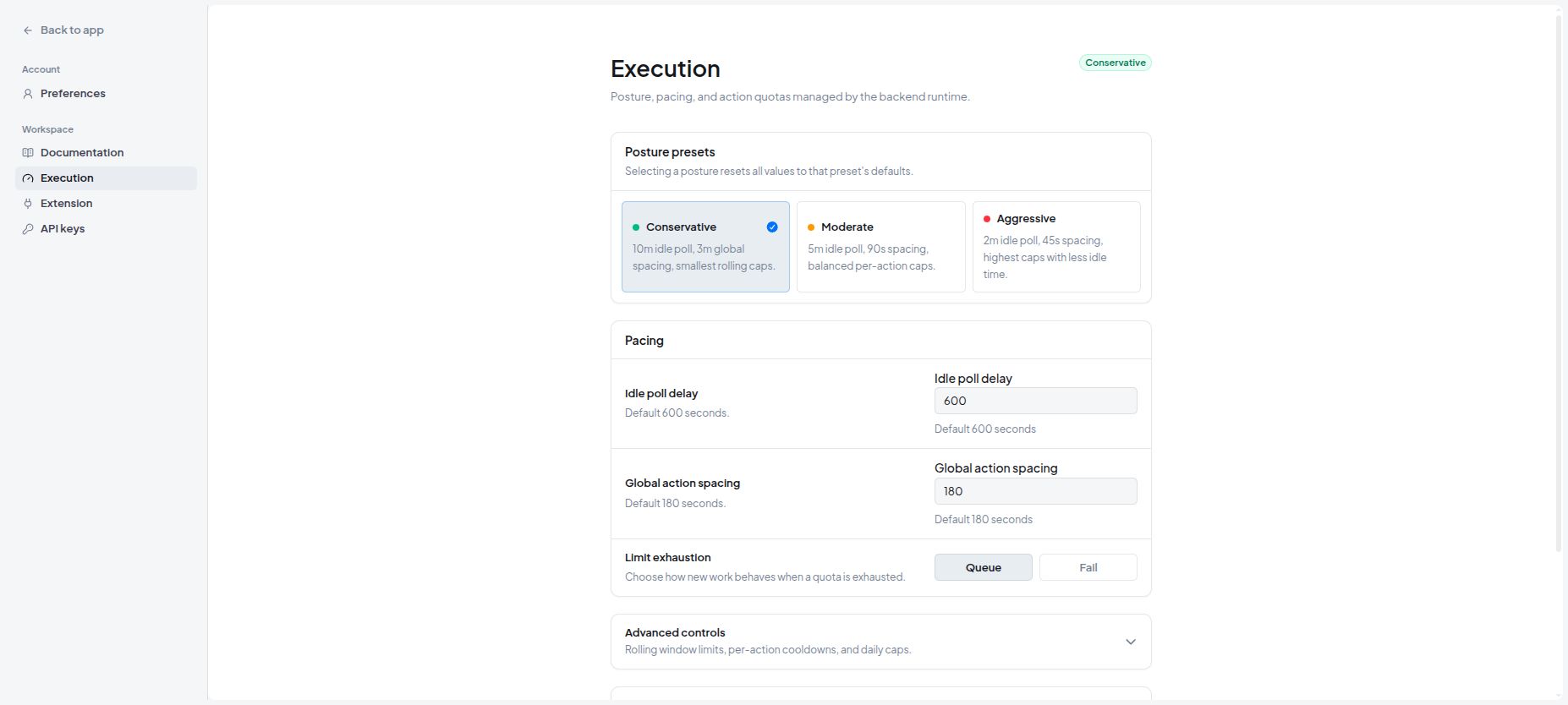
The team can see what completed, failed, was skipped, or is still waiting. Connection and reply status, daily pacing, cooldowns, temporary holds, and team roles are managed from the same workspace.
How it works
Capture prospects from profiles, searches, engagement, files, or manual entry.
Organize the people into reusable audiences without duplicating their records.
Choose or build a visual outreach playbook.
Connect the playbook and audience inside a campaign.
Run approved actions through the signed-in LinkedIn browser session.
Synchronize every result back to the prospect record and campaign history.
Current outcome
OutreachGenie provides one working path from finding a person to saving, organizing, contacting, following up with, and tracking that prospect. The team gains a shared operating history without relying on separate spreadsheets and memory.
Use the product
Inside the system
Next case study